







Sign in to Online Banking and select the Alerts tab to review and manage your notification preferences.
Available alerts
- Overdrafts or low balances
- Transactions that exceed a specified dollar amount
- Deposits or withdrawals that exceed a specified dollar amount
- Reminders of upcoming loan payments
- Availability of new statements and other online documents
- ATM withdrawals on your debit card
- Declined transactions
- International transactions
Click through the images below to see a screenshot of each Alert.
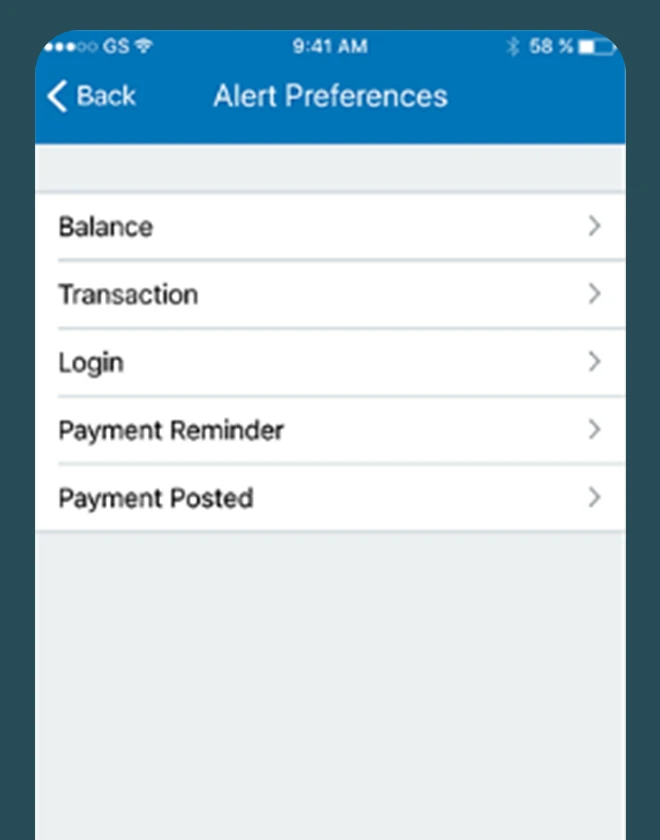
Alert Preferences
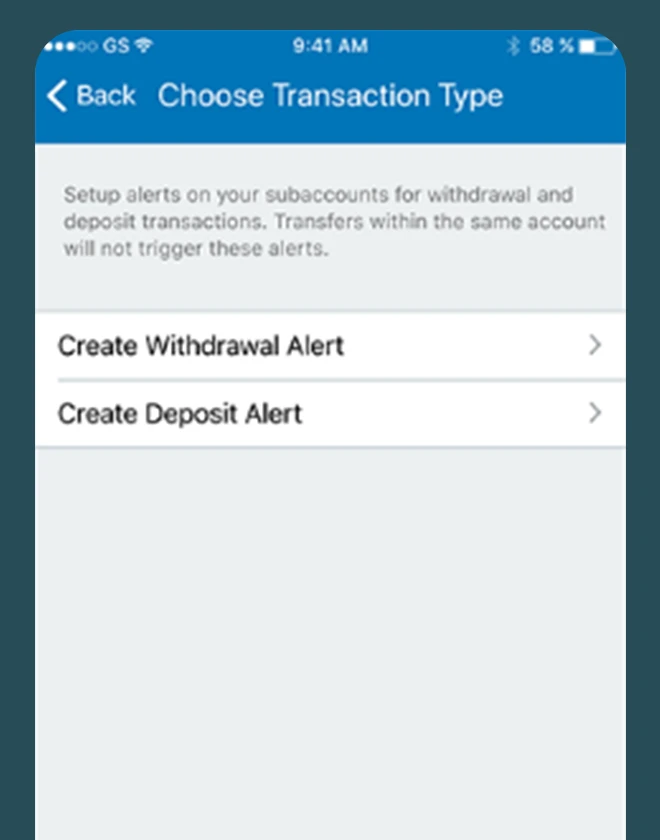
Choose Transaction Type
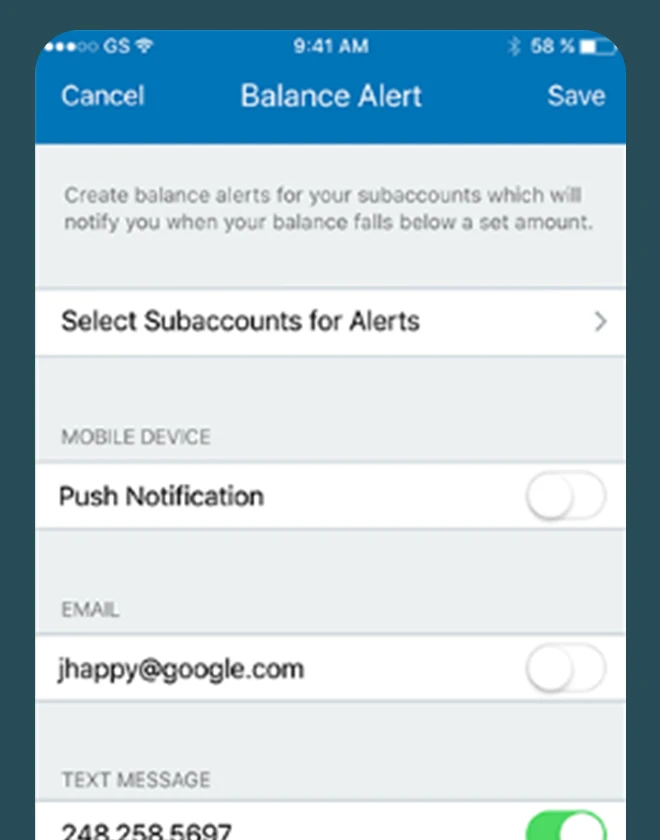
Balance Alert
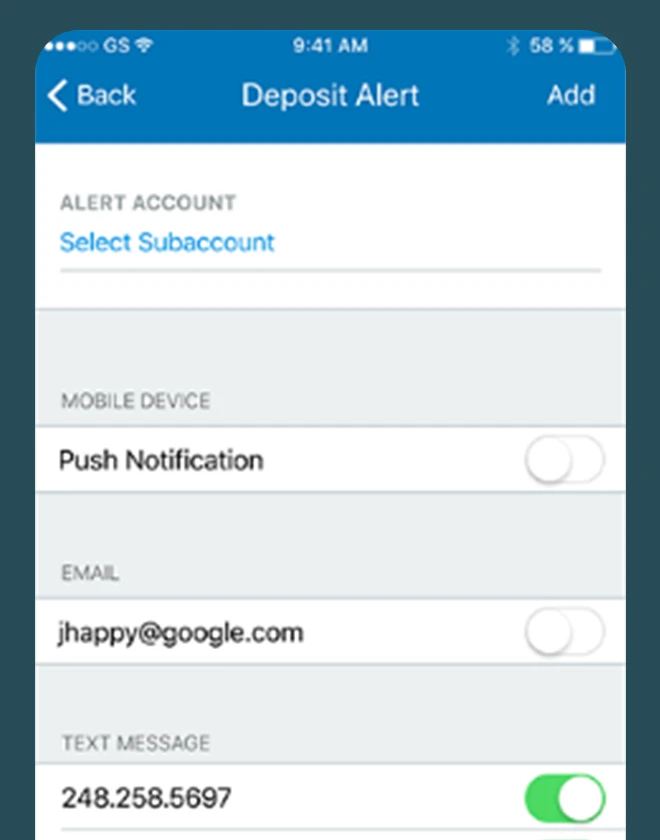
Deposit Alert
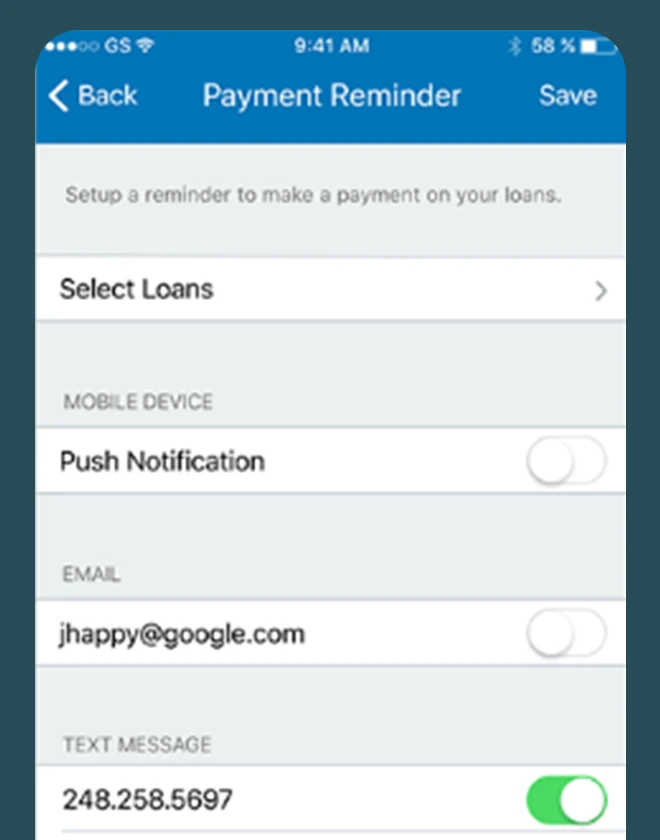
Payment Reminder
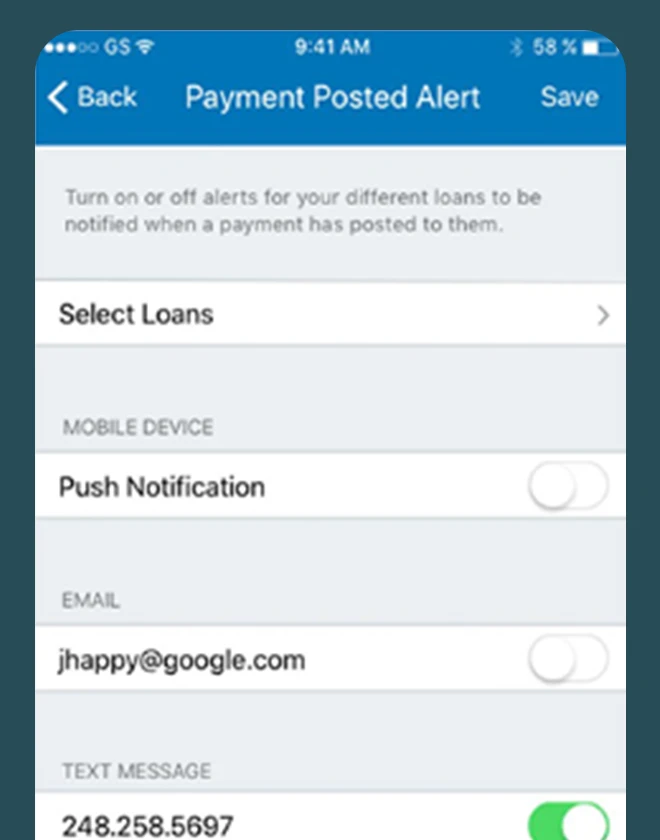
Payment Posted Alert
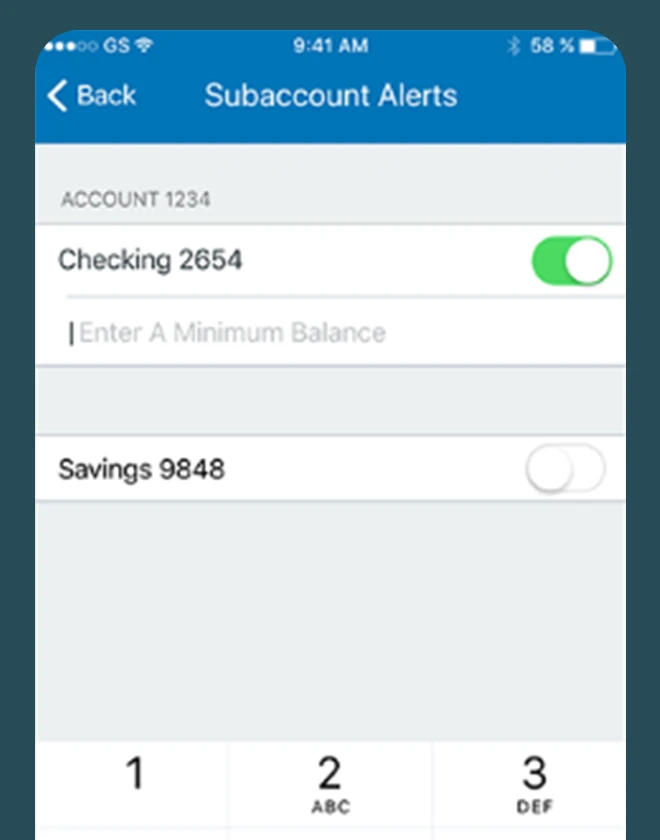
Subaccount Alerts
Resources to for our members.
Keep building your financial knowledge.
Security Center
Take charge in safeguarding your accounts
Let's work together to combat fraud and scams that can damage your finances.



Support whenever you need it.
Connect with a Michigan First team member 24 hours a day, 365 days a year.
365 Live Contact Center